
Built my first full-stack project with Cursor: turning content into beautiful images
/ 5 min read /
Table of Contents 目录
Hello everyone! I’m luckySnail, and today I want to share my first full-stack application developed with Cursor. I call it “SVG Show” – as the name suggests, it’s related to SVG. So what does it do? Simply put, it uses the current most powerful large models to quickly convert your content into SVG images, and it supports online editing, saving, and downloading. Try it here: https://www.svgshow.cn/. I’ve provided 5 free trials for everyone. If you also need to quickly turn content into vivid images, I suggest you give it a try. Below are some generated images.
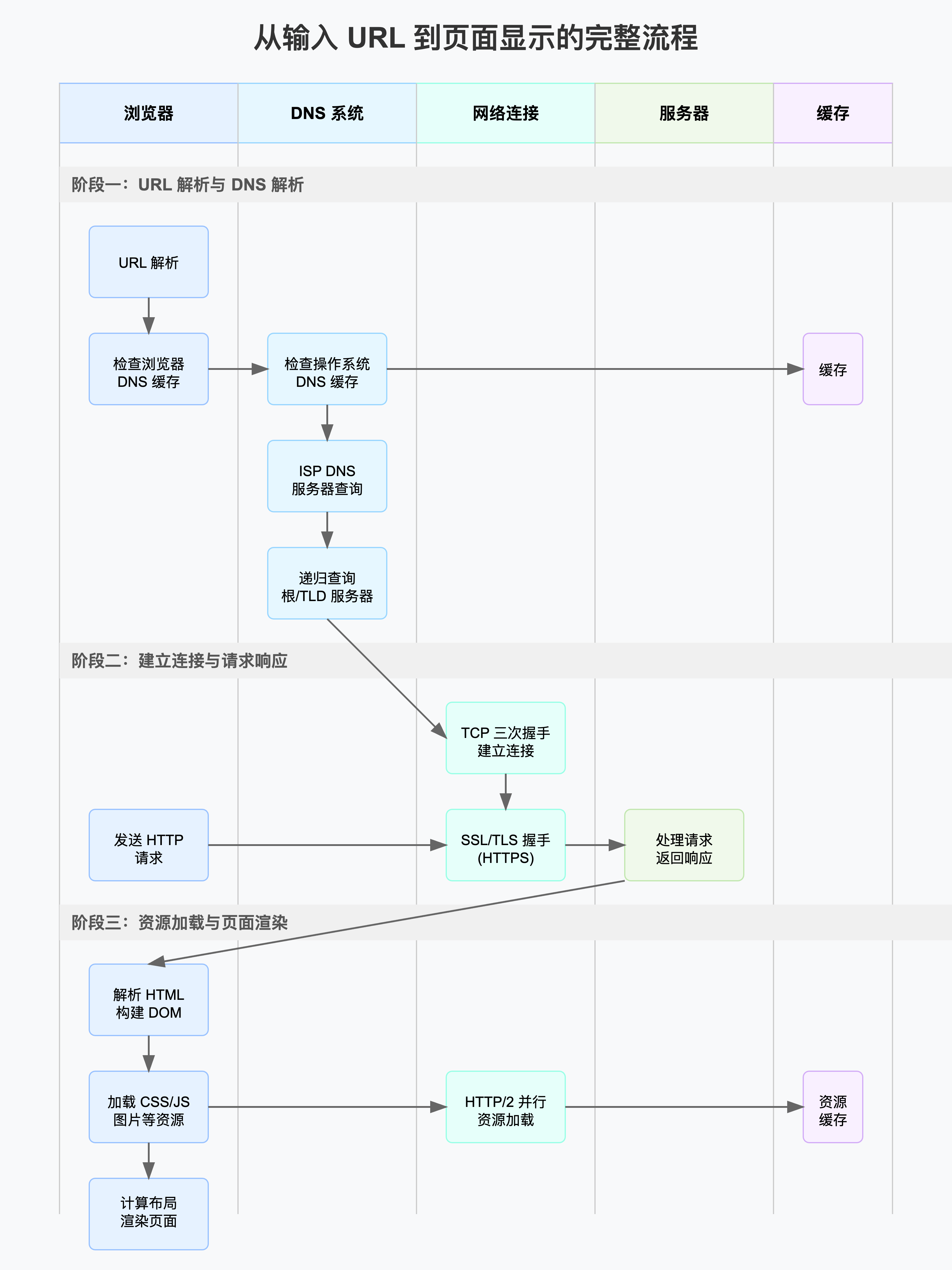
I simply uploaded my content, and it generated this for me – truly impressive! Let’s take a look at how I built this project with Cursor.
Frontend Development
First, let’s look at the tech stack:
- next.js 15.2
- Tailwindcss 4
- zod
- zustand
- highlight.js
- shadcn/ui
- ahooks
Mostly mainstream technologies – I got to try the latest version of Next.js, and the development experience has greatly improved, mainly in:
- More detailed error messages
- Faster startup and page navigation speed
Anyone who has developed with Next.js knows what I’m talking about!
The frontend doesn’t have anything particularly complex – it’s basic page development. There are two points worth mentioning:
- During the transition from SVG generation to UI rendering, a direct switch felt a bit jarring. With AI help, I implemented a smooth transition animation.
- Since developing a full SVG online editor is time-consuming, I used an open-source tool, localized it quickly with AI, and implemented SVG online editing via iframe communication. I also noticed that the community currently lacks good ready-made SVG editors.
Even though most of the code during development was generated by AI, the code quality should still be decent. I maintained code quality through rules and fine-tuning. Finally, I open-sourced the code! If you think it’s good, please give it a star – it means a lot to me!
Open source repo: https://github.com/chaseFunny/svg-frontend
Backend Development
As a frontend developer, I naturally wanted to use Node for the backend. I recently finished learning Nest.js, so this was a good chance to practice! I first found a popular Nest.js template on GitHub: https://github.com/Saluki/nestjs-template
Let me introduce the basics of this project:
- Based on Nest.js 10 with Fastify (HTTP server), built-in health check API
- Full TypeScript support, strict code style checks
- REST API using Prisma ORM
- JWT (jsonwebtoken) authentication
- Swagger documentation integration
- Joi parameter validation, Jest testing
- Winston logging, Nodemon hot reload for development
- Standard project directory structure
- Docker integration
After getting a well-structured project, my complete development process was as follows:
- Chose PostgreSQL as the database
- Used AI to help with database design
- After completing database design, wrote schema.prisma for initialization
- Developed user module: CRUD for users
- Implemented registration and login logic, including the email service required for registration (used nodemailer)
- Developed a global JWT authentication guard
- SVG module development – I’m not sure this is the best implementation; I felt like I was crossing the river by feeling the stones with AI!
- Main endpoints: SVG creation, generation, retrieval, and getting info by ID
- SVG generation: I used Vercel’s open-source AI SDK (https://github.com/vercel/ai) to quickly handle data fetching and processing. I actually wrote my own code for fetching and parsing data initially, but it didn’t support concurrency, so I found the AI SDK in the open-source community. Next time, I’ll definitely share a deep dive into the AI SDK source code to see how they handle a large number of requests in Node.js.
- SVG update: Since I provided the ability to update SVGs online, I added a new table to store SVG information and update records.
That’s it for the backend. If you’re interested in the development details and database design, you can check out the source code: https://github.com/chaseFunny/svg-backend
Deployment
Development done! Time to deploy – which was really a hassle and cost money. Below I’ll document the online deployment services I used:
Both the frontend Next.js and backend Nest.js are Node services. Ideally, they should be deployed via containerization with a CI/CD pipeline. But since it’s a small project and we don’t know how it will turn out, I kept things simple. I used a server deployment (with Baota panel).
The database is Alibaba Cloud’s free trial RDS service. Reference for database deployment: https://www.yuque.com/asgas/bzyz7m/hl57otmtcfgr223q
Deploying the Nest.js service is also simple: copy the source code to the server, then deploy using PM2. You need to write an ecosystem.config.js file. For details, refer to the document above.
Finally, the frontend deployment. For Next.js, the obvious choice is Vercel! But since I’m serving users in China, I had to deploy it on my own server. The deployment method: upload the source code to the server, then build and start. You can write a script for this and deploy it via the Node deployment feature in the Baota panel.
After deployment, if you have your own domain, you can configure DNS resolution and let users access it via the domain.
One more step: SSL certificate. I used Tencent Cloud’s free three-month certificate.
That’s it! 🎉
Summary
Although the project’s business logic isn’t complex, it still took some time from development to deployment. Here are some takeaways from the project:
- Deeper understanding of request headers, response headers, and familiarity with RESTful API style
- Got familiar with the full-stack development process, deeply felt that backend > frontend 😭, but still love frontend 🩷
- Data structures are really important; good database design can reduce a lot of development work
- AI is really powerful, but only if the developer themselves are already competent. I feel AI can be more valuable in the hands of skilled developers.
- Don’t reinvent the wheel (spend that time reading others’ source code instead – I think it’s more valuable). Keep an eye on GitHub to stay updated with the latest tech trends!
- Gained a deeper understanding of object-oriented programming and procedural programming.