
What is Cursor?
Cursor is an AI-powered code editor designed to boost developer productivity. According to its website, Cursor helps developers write code faster through AI-driven code generation, editing, and debugging. It offers a collaborative programming environment with real-time pair programming support. Cursor integrates Git for version control and supports multiple languages and frameworks. Its goal is to streamline the coding workflow by automating repetitive tasks and providing intelligent assistance, ultimately making software development more efficient. For more details, visit https://www.cursor.com/.
How to Use Cursor?
- Download & Install
- Go to the Cursor website and click Download in the top-right corner.
- Once the download finishes, install it.
Subscribing to Pro
Cursor currently offers some free quota, but if you’re a heavy user, you’ll definitely want to subscribe. There are two ways to subscribe, and I recommend the first one—it’s fast and saves you money.
Method One
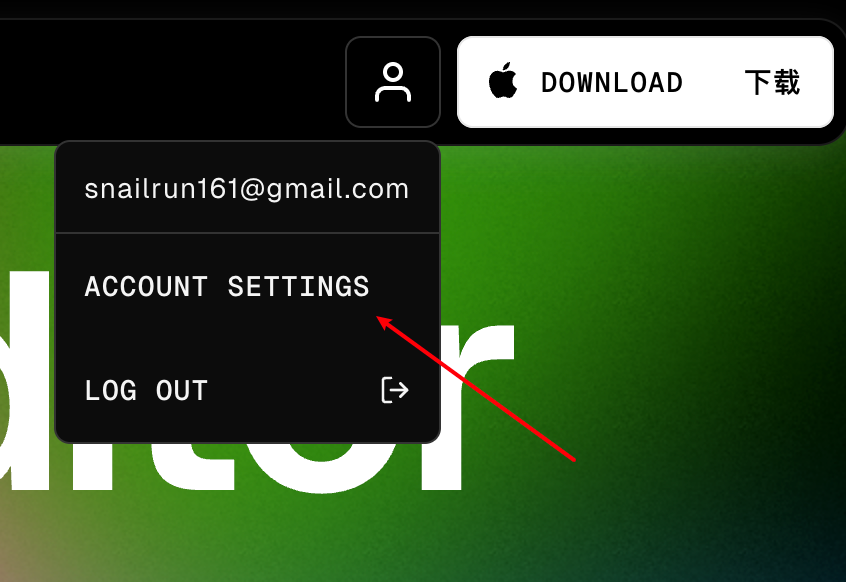
Go to the Cursor website and click on your account settings in the top-right corner:
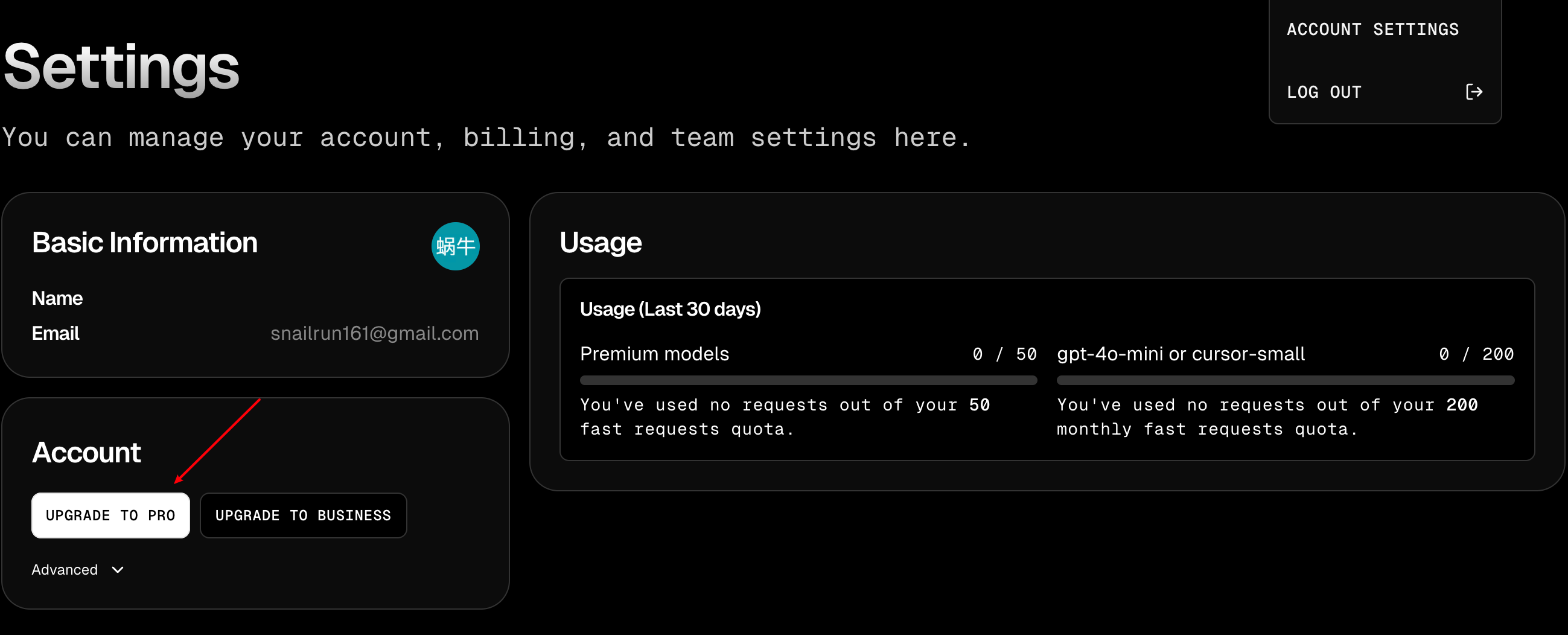
Then click Upgrade to Pro:
Next, copy the order URL (the page URL):
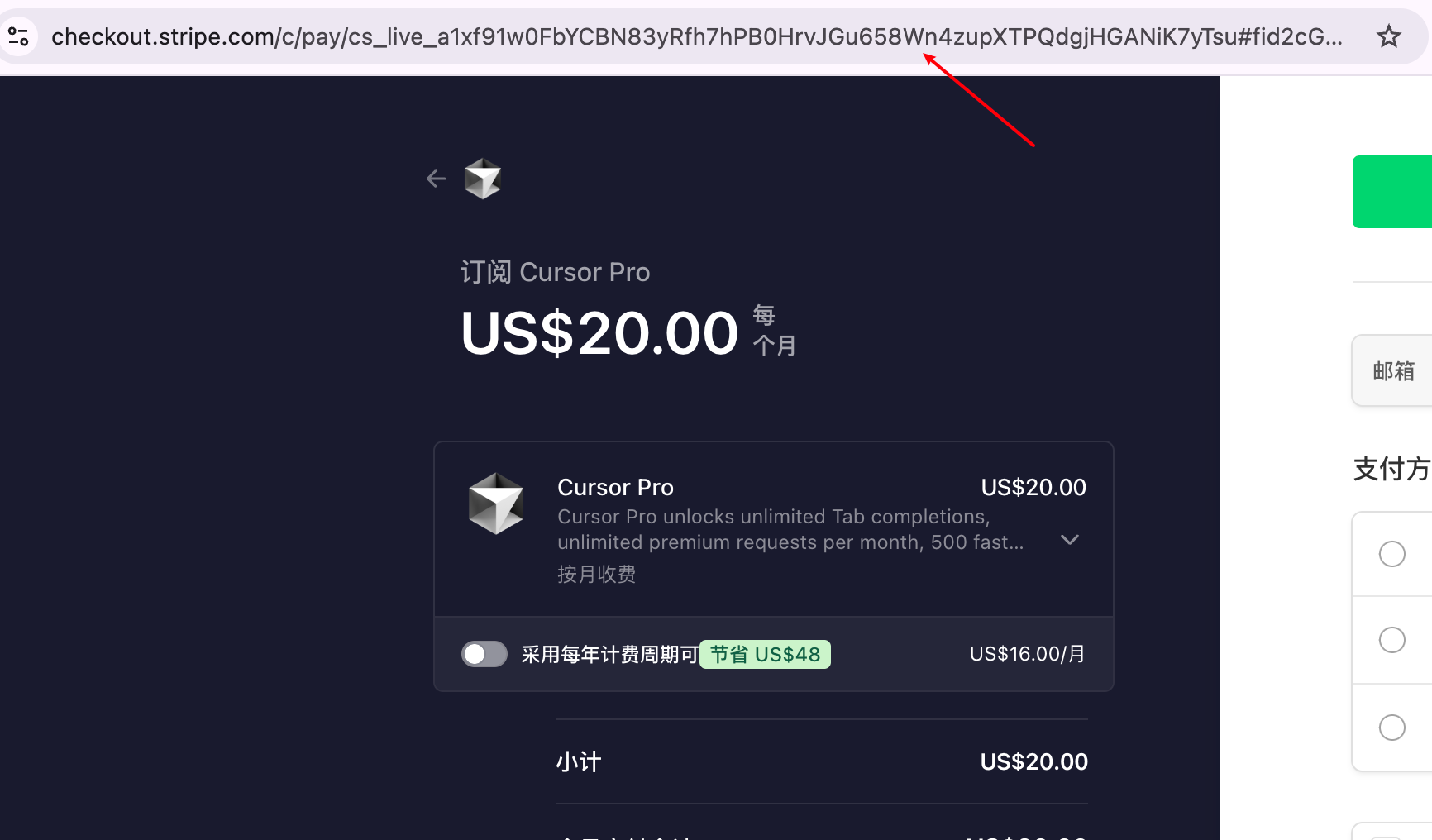
Then head over to Xianyu (a second-hand marketplace), place an order, and I’ll ask you for the order URL to get you set up. Currently, this is the lowest price online at 162.

Of course, if you find Xianyu troublesome and trust me, you can add me on WeChat directly:

Method Two
If you plan to use Cursor long-term, I suggest getting a WildCard. It’s also very simple—go to the WildCard website and use my invite code: FNS4AYLG. You’ll get a one-dollar discount.
Here’s what WildCard is:
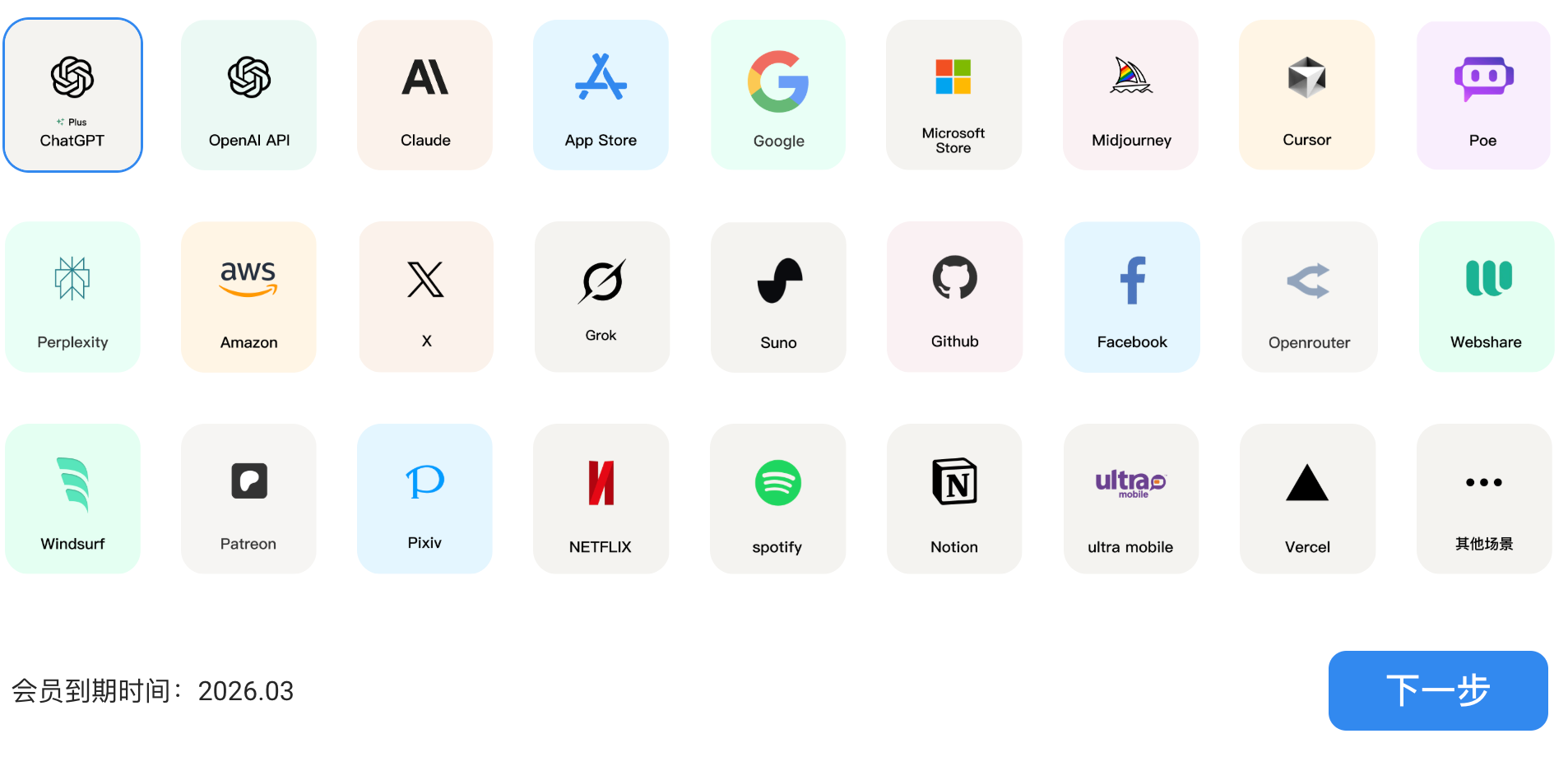
It’s a platform that helps you get a US credit card. You purchase their membership, and they issue you a US-region credit card, which lets you easily subscribe to various international products. Here’s a screenshot showing the platforms they support:
First, we need to log in. After logging in, purchase the subscription service below:

Click Activate Now, then just follow through to the top-up step!
Once the top-up is done, we have our own US credit card!
Now, let me walk you through buying Cursor Pro as an example:

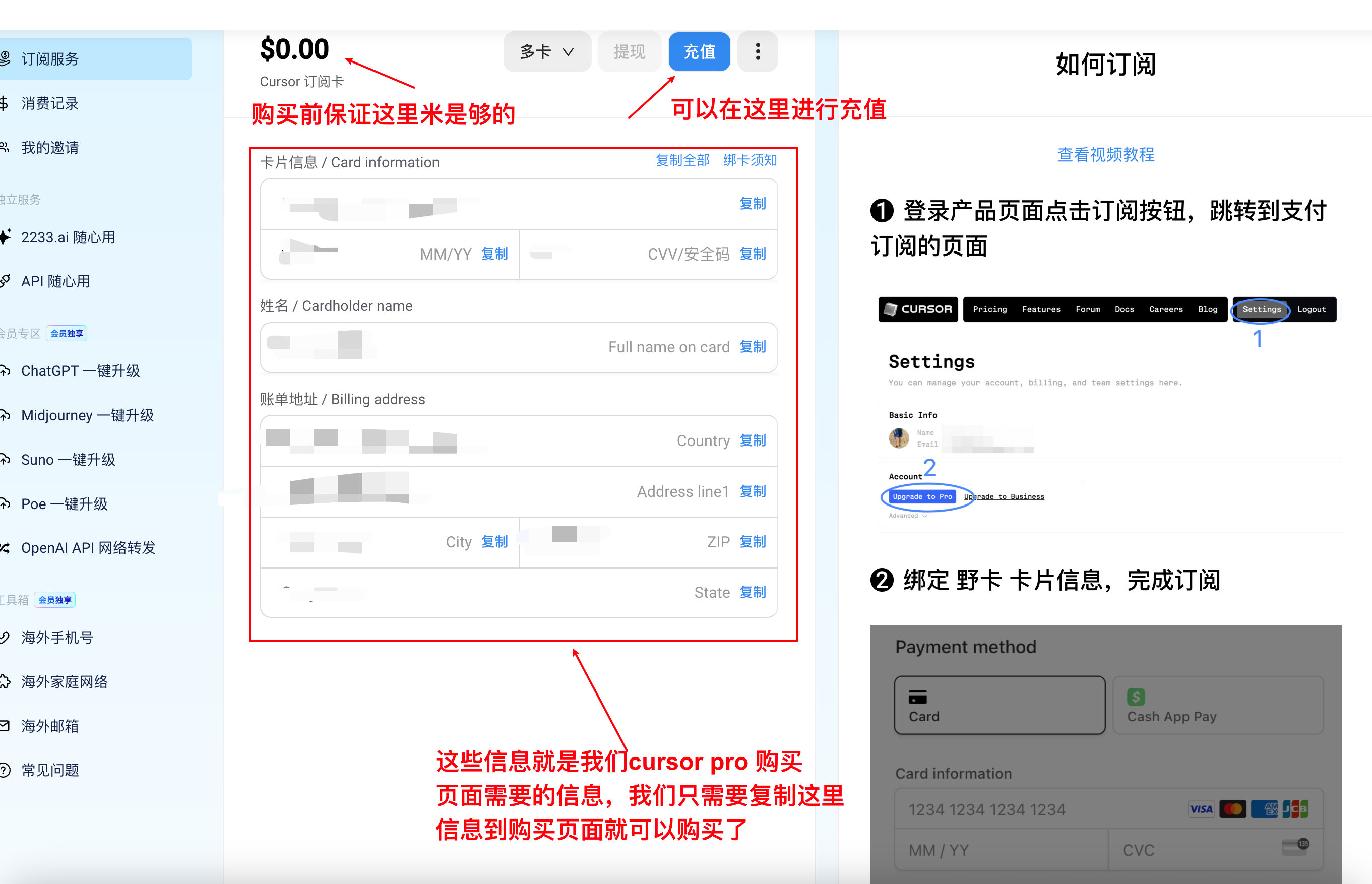
To wrap it up:
- If you’re not sure about using Cursor long-term, go with Method One.
- If you plan to subscribe to AI services for the long haul, use Method Two.