
I like watching cheesy videos but I'm too embarrassed, so I made a website.
/ 4 min read /
Table of Contents 目录
Website: https://ascii.luckysnail.cn/
Recently while scrolling through Douyin, I came across a dance video called “Qinghai Shake”. The first time I watched it, I thought it was so cringe and quickly swiped away—but that dance video got stuck in my head. So I secretly watched it again and realized people were making a fortune off this dance. It reminded me of a comment that said: “At first I thought they were a joke, but in the end I found out I was the joke.” The funniest part is they’re now solving employment problems, but with one requirement: the highest education level allowed is a junior college diploma (dog). Hahaha, bachelor’s degree has become a criminal record! After watching for a while, I wondered: could I make an ASCII version? And since Cursor has been blazing fast for coding lately, I just went for it.
By the way, if you don’t know about Cursor yet, check out these two articles first to understand it. It’s already changed the rules of programming, so embrace it!
- Cursor usage experience: https://www.luckysnail.cn/posts/post-27
- Cursor brings a brand new programming experience: https://github.com/coderPerseus/blog/issues/31
Requirements Analysis
I grabbed a project template I’d written earlier: https://github.com/axin-s-Template/Nextjs-Boilerplate. Instead of rushing to write code, I first analyzed the requirements:
- An upload button that supports uploading images and videos
- Convert images to ASCII
That’s it, that simple.
Development
Let’s develop in the order of development.
- Upload button component development
Here I used Cursor’s Compose ability and asked it to develop for me. I just needed to clearly describe my requirements. My prompt:
Develop an upload component that supports uploading local images and videos (no GIF support). On successful upload, return the uploaded content to the parent component for ASCII conversion. Use shadcn/ui components as much as possible. Keep the page simple and beautiful.After development, I tested it and made some minor tweaks.
- Develop the file-to-ASCII conversion feature
Now develop the ASCII preview feature with the following requirements:1. Minimize CSS: keep it simple and beautiful, use shadcn/ui components as much as possible.2. Play, pause, replay, adjust the ASCII density (if possible, otherwise skip), show the original material.3. Page layout: top is the operation buttons, bottom is the content preview. Left side shows the original content, right side shows ASCII.4. Below that, a resizable box: a middle draggable divider to adjust the width occupied by the original and ASCII content.5. Limit the content display width and height to make it look appropriate.It gave me an initial version, and I made fine adjustments.
The core logic of file-to-ASCII conversion is pretty simple:
- Use canvas to get each frame of the video via drawImage and draw it onto the canvas.
- Use canvas’s getImageData to get the pixel data of the image.
- From the pixel data, obtain the image width and height, then calculate the grayscale value.
- Based on the grayscale value, determine the corresponding ASCII character.
- Add the obtained ASCII characters to a div for display.
There’s a slight difference between image and video logic. See the source code in the references for details.
- Develop global header and footer, About page
The website still looked quite bare. I wanted to make it look more polished, so I continued asking AI:
Refer to good websites and create a global header component:- Left side: logo- Right side: About button. The About dialog shows content introducing the project, explaining how images and videos are converted to ASCII. Keep the page simple and beautiful.Then create a global footer component for the ICP filing number and friend links.And then I got the corresponding pages and fine-tuned them.
- Portfolio
The website still felt like something was missing. I thought, why not create a portfolio where users can directly view some video and image effects?
So I continued asking:
Develop a portfolio list page based on this data structure. Each portfolio item shows a video cover image, title, and description.1. Simple and beautiful2. Use shadcn/ui components as much as possible to complete the page3. Clicking the video cover goes to a detail page (newly developed), using @Preview.tsx for display. The detail page has title and description on top, and the preview component below. Note that the title and description on this page need to be modifiable.4. Code follows component-based, modular development standards.The data structure is like this:
import { ShowItem } from '@/types/show';const baseUrl = 'https://xxx.com/';export const showList: ShowItem[] = [ { id: 1, title: 'Little Black Guy', description: 'Cai Xukun dance video from the internet', path: baseUrl + 'xiaoheizi.mp4', type: 'video' }, { id: 3, title: 'SpongeBob', description: 'The main character in the SpongeBob cartoon', path: baseUrl + 'haimianbaobao.webp', type: 'image' },];Then we just fine-tuned the page. Finally, here’s what it looks like:
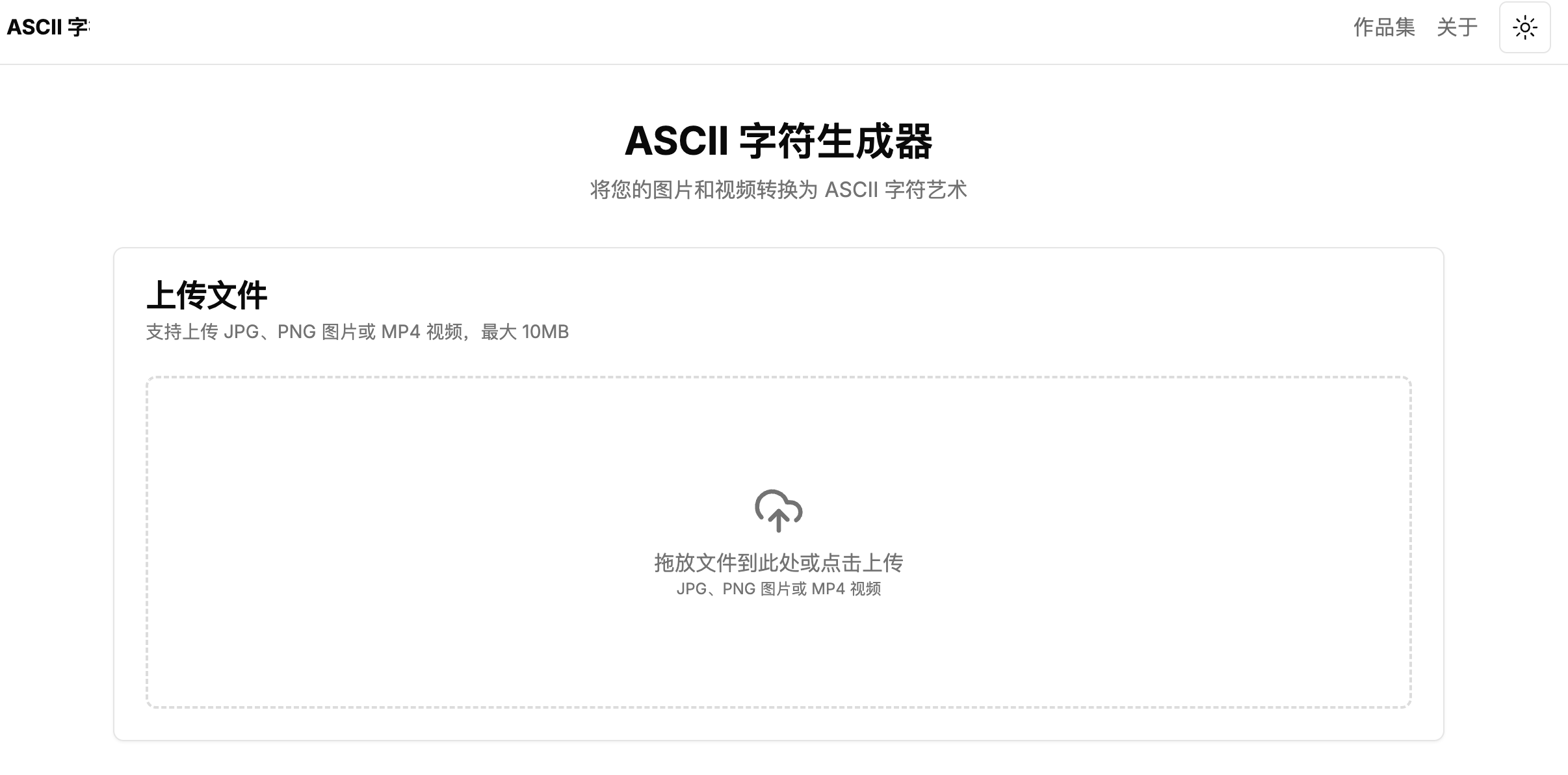
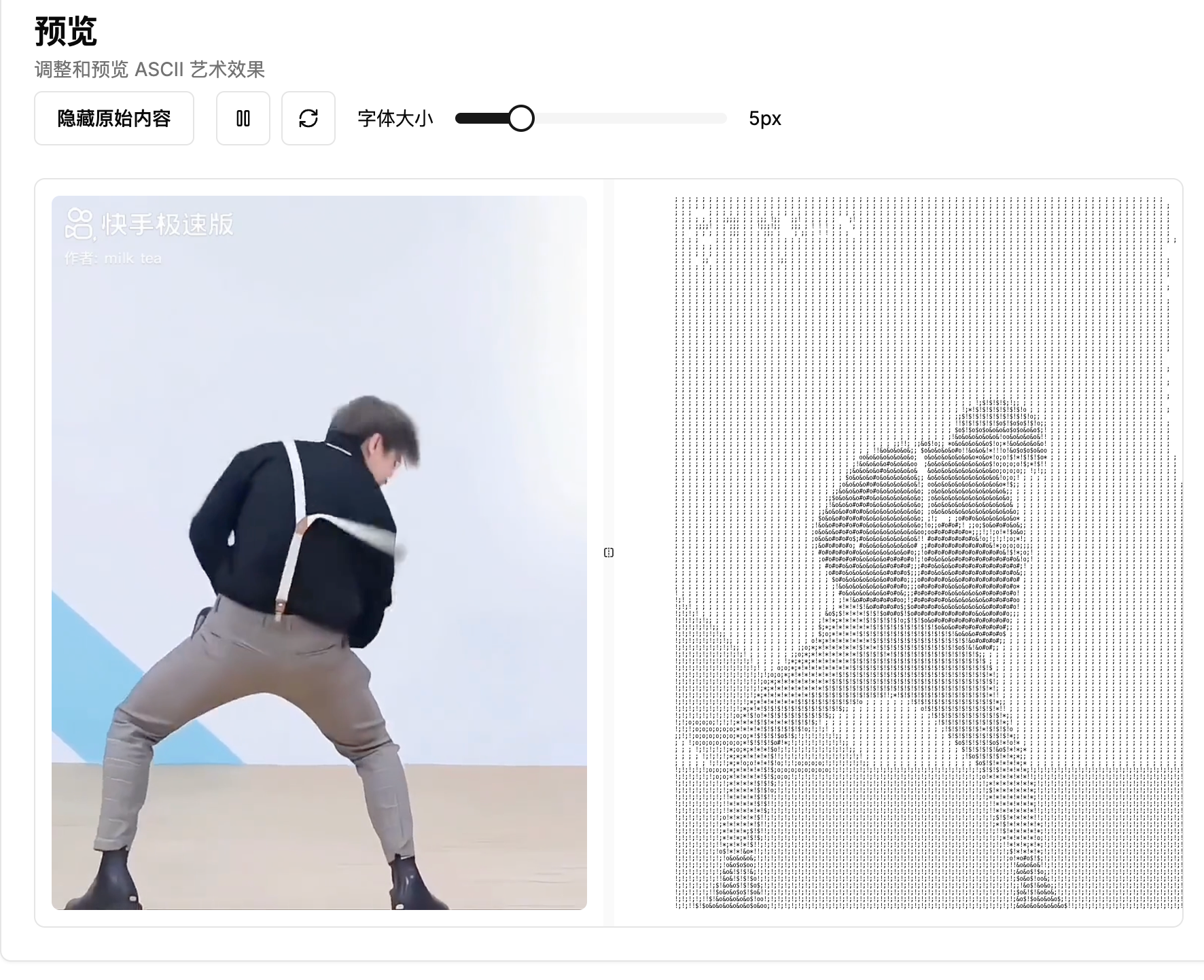
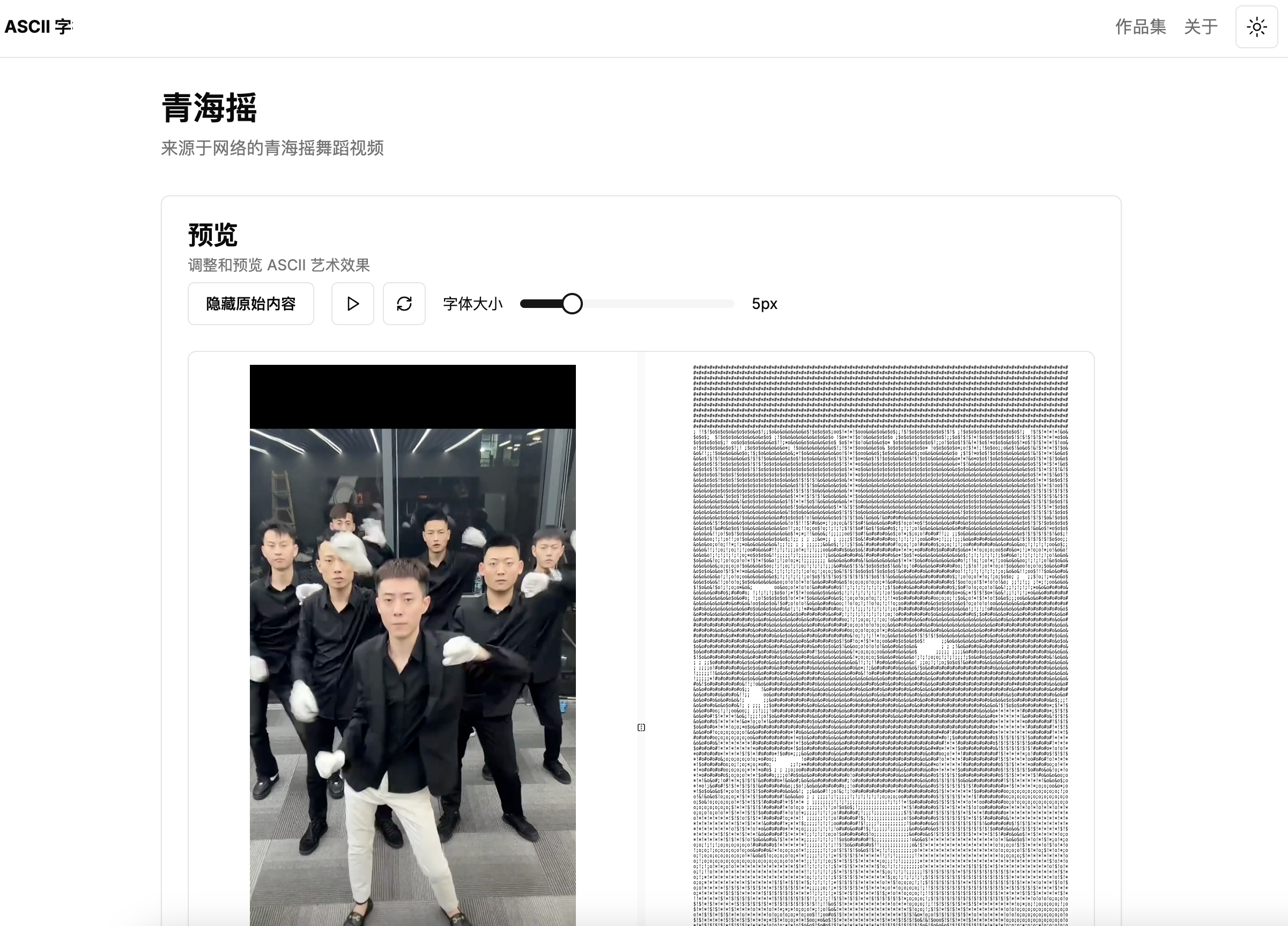
And just like that, a simple image/video to ASCII converter was built.
AI really shortens the time from idea to reality. As long as you’re willing to act, you’ll get faster and faster.
References
- Source code: https://github.com/chaseFunny/imageAndVideo2Ascii