
Hello, I’m luckySnail. Lately I’ve been going all-in on AI-assisted coding, but sometimes I need to take care of my kid or go outdoors—at those times I can’t write code. You might say Claude Code and Codex both support remote control, and yes, they do, but I basically never use them. Because right now, AI can’t complete every task you throw at it without you checking in. The first task might go perfectly, but the second one will start drifting from your intentions. Maybe your prompt is off, maybe the AI agent got dumber; either way, things have already gone wrong. The fatal part is that you have no idea, and you happily hand it more tasks, thinking you’ll “harvest the crops” when you get back. It finishes those tasks quickly too, but its implementation is completely off. Since you’re not at your computer, you can’t see the code or the actual result. When you get back and find it unusable, you’re staring at dozens of changed files in the staging area—what do you do? Tracing the root cause at that point costs way too much; you might as well start over. This back-and-forth wastes not only tokens but also your attention and mental energy.
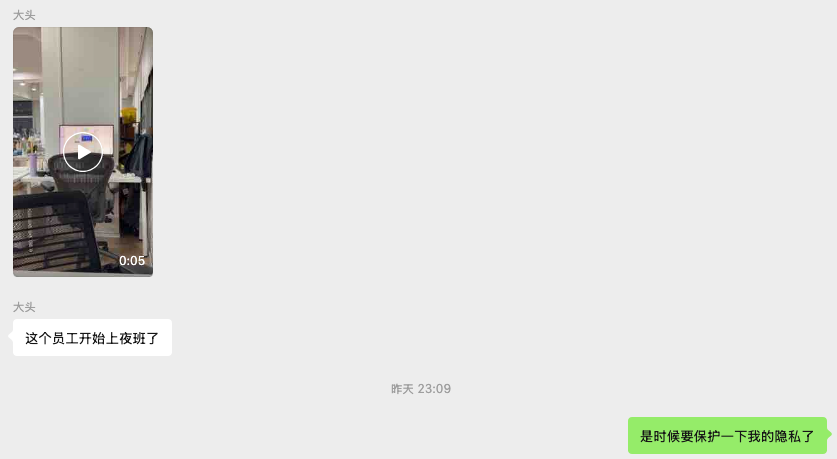
So what can we do? Is there no solution? Of course there is: I’ve been using the UU Remote Control app lately and I’m completely in love with it. It currently supports Windows, Mac, and mobile—it really connects your devices. Now I can connect to my other devices directly from home or the office—it’s amazing. The funniest part? I got caught sneaking a connection to my work computer at night—the screen clearly showed I was using my company machine. And guess what? That same evening, UU Remote officially added “anti-peeping mode for controlled devices” on Mac. I cried…
Let me share some of its highlights so you know how powerful it is.
Quick overview
UU Remote is a remote control tool made by NetEase. Its core capability can be summed up in one sentence: let your phone, tablet, or another computer control your main computer. It has both mobile and desktop apps. Log in with the same account, and your devices automatically appear in a list. Tap “Enter Desktop” to connect—no need to copy-paste a long ID every time. In practice, it’s super smooth, reliable, and worry-free.
Funny enough, it was originally built for “remote gaming,” which is why the experience is so good—ultra-low latency, 4K high frame rate, full keyboard and mouse simulation, and gamepad support. Precisely because it was tuned for gaming, when you use it for serious work, the experience is surprisingly excellent.
Perfect replacement for ToDesk
If we’re talking about remote control, most regular people have used ToDesk or Sunlogin. They’re decent, but almost all important features require payment: high quality, high frame rate, and mouse refresh rate are capped severely (the free version is tens of times worse than the paid version). Even things like “Android as controlled device” require a paid membership. But with UU Remote:
- Quality / frame rate are completely free. 4K, true color, high frame rate (even custom bitrate and FPS) are all free.
- Multiple monitors and file transfer are not paywalled. You can transfer logs and files between devices without worrying about speed limits or quotas. Multiple displays can be switched.
- Controlling your PC from your phone is a core feature, not a membership perk. My entire “monitor AI coding from phone” workflow costs me zero dollars.
Migration cost is almost zero: the interaction logic is very similar to ToDesk—login, find the device, enter the desktop. Existing users can switch over seamlessly.
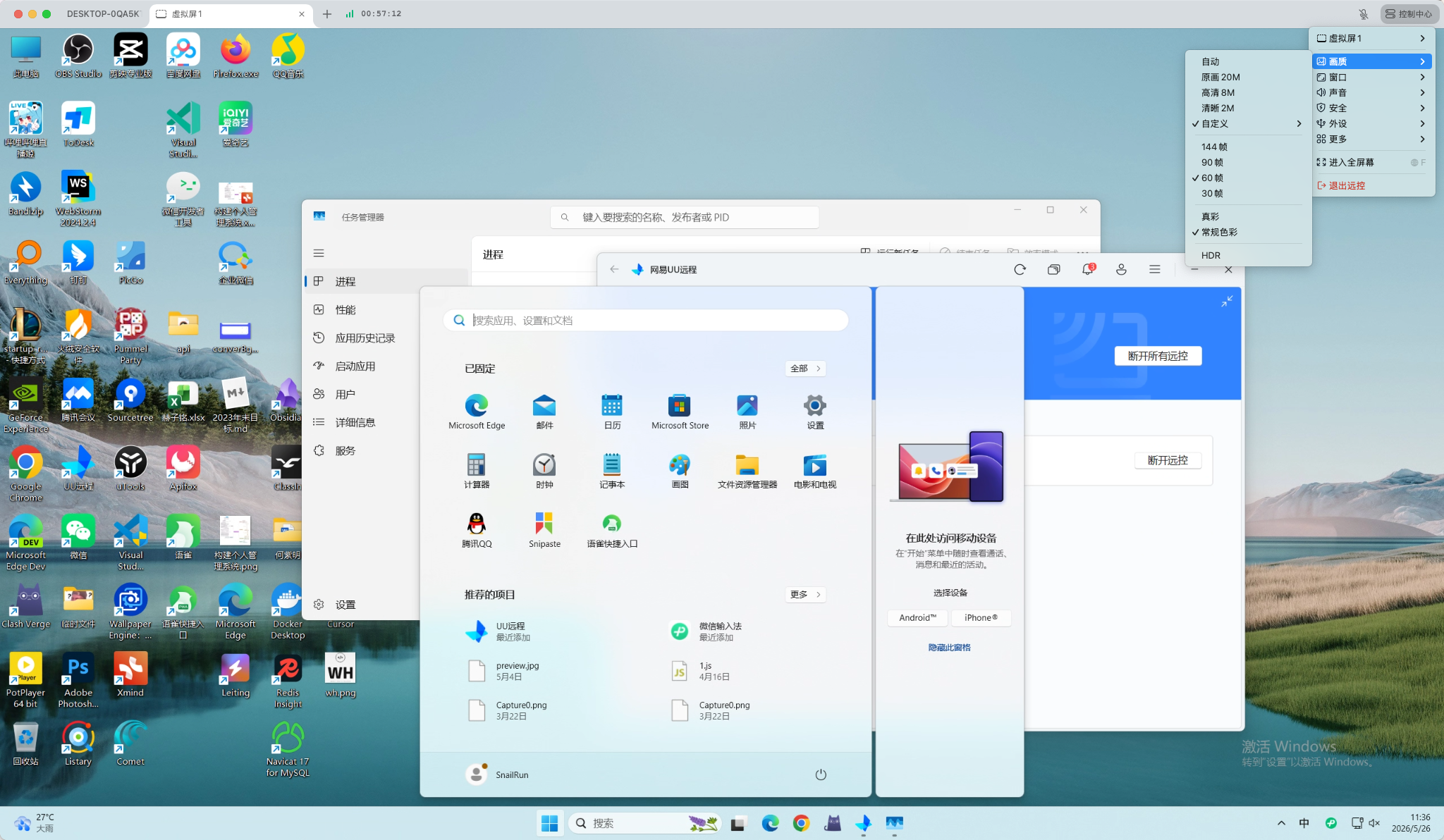
Ultra-low latency
This is the result at original quality—basically no noticeable latency, which makes sense because it was designed for gaming:
Multi‑device, multi‑platform
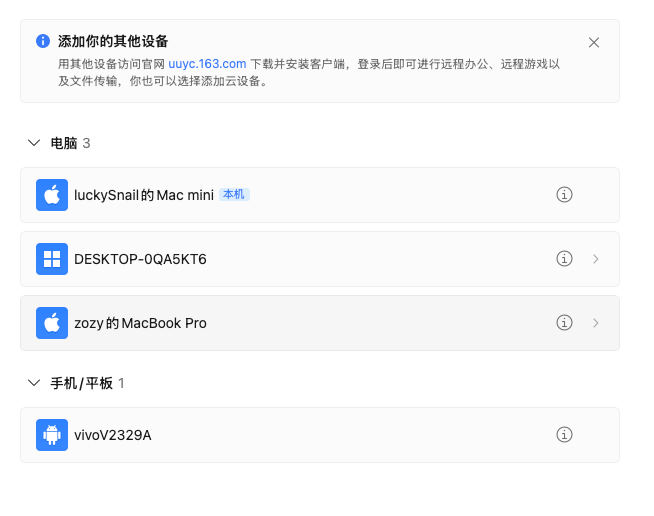
The killer feature of UU Remote is multi‑device support. Just log in with the same account and leave the rest to UU. You can control multiple devices simultaneously:
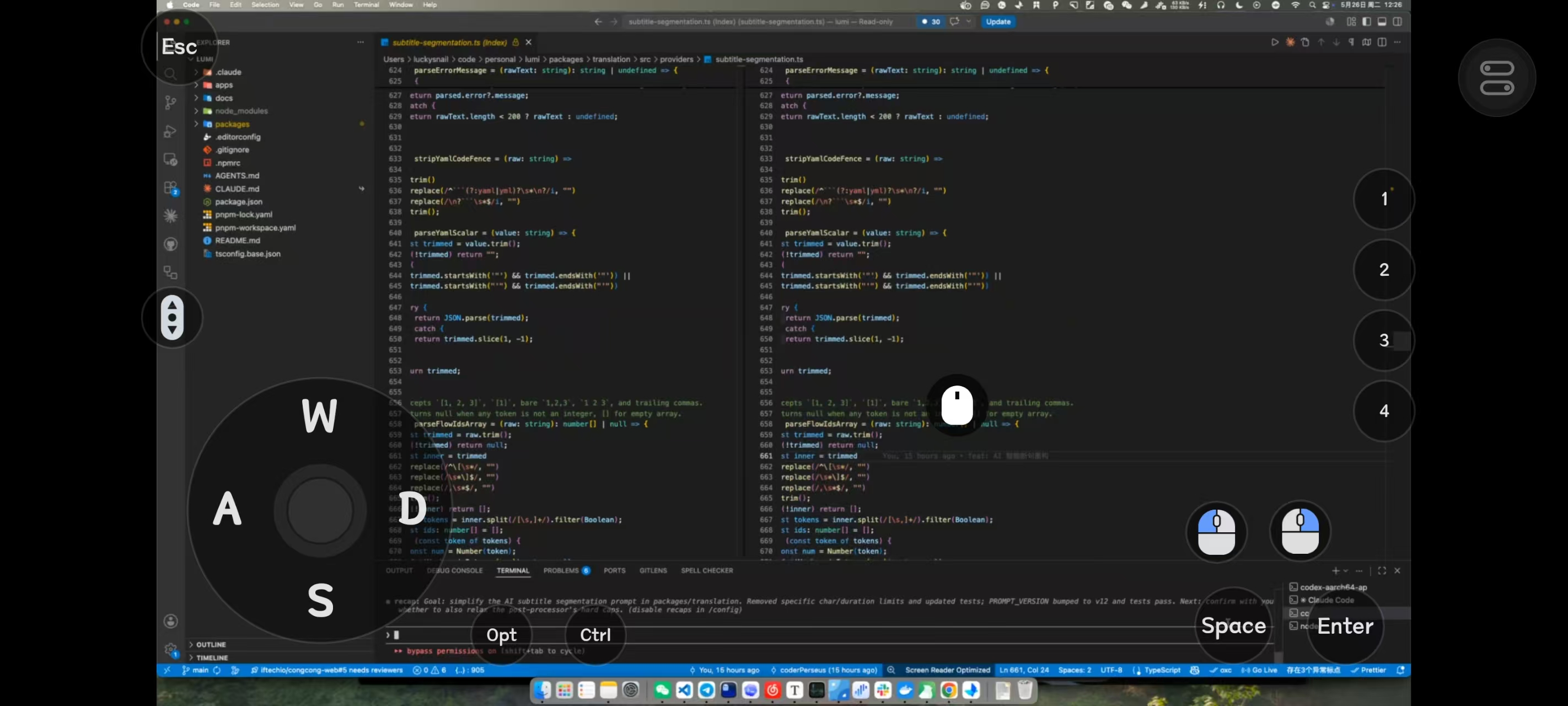
This is how it looks on a phone. It really was built for gaming—look at that button layout, you’d think I was playing a premium game. The most painful things about remote use on mobile are the small screen making it hard to see, and typing being inconvenient. But both can be perfectly solved: it supports zooming in and out, and if you install the Doubao keyboard on your phone, you can comfortably send tasks to the AI. After it finishes, you can check the results in real time.
Terminal mode – essential for outdoor coding
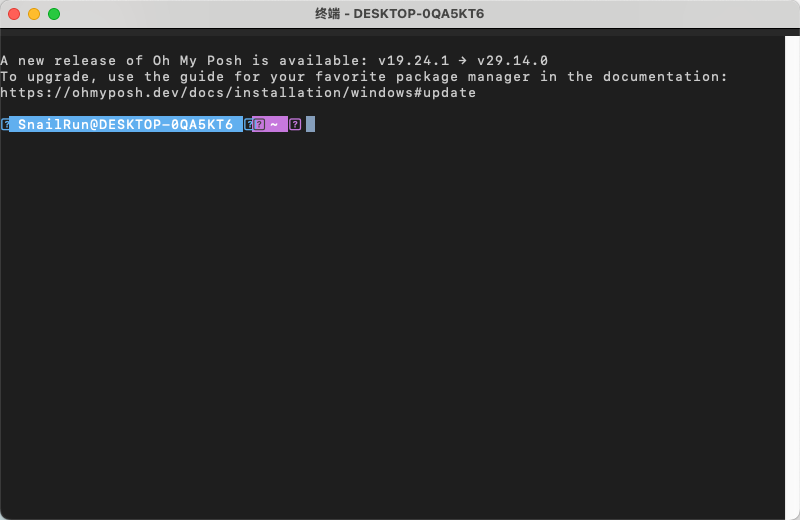
When you’re outdoors with a poor network or low phone battery, you can use terminal mode. The terminal experience on mobile is much more comfortable than staring at the whole desktop:
Any downsides?
Does it have any flaws?
I think the downside is that it doesn’t charge for membership. Anyone who works on products at a big company knows that the first things to get cut are the ones that don’t make money. I really hope this great product stays around. And honestly, even if it did start charging, I’d subscribe. Compared to ToDesk, which is aggressively monetized, UU Remote is far superior.
Summary
I’ve been a heavy user of NetEase Cloud Music for a long time, and I think NetEase makes pretty solid products. After discovering UU Remote, I like NetEase even more.
AI coding has completely changed the developer’s role. In the past, you typed code character by character, and you had to sit at a computer. Now it’s often: send instructions → let the agent work → review → approve → send more instructions. So being able to develop from a phone has become a reality. UU Remote’s mobile experience is really well done, letting you take a peek at your code and shoot new commands every few minutes while relaxing or doing something else. You can genuinely get your work done while having fun.